
January 5, 2026
From Prompts to Autonomy: How Agentic AI Is Redefining Workflows in 2026
By Devflares Team
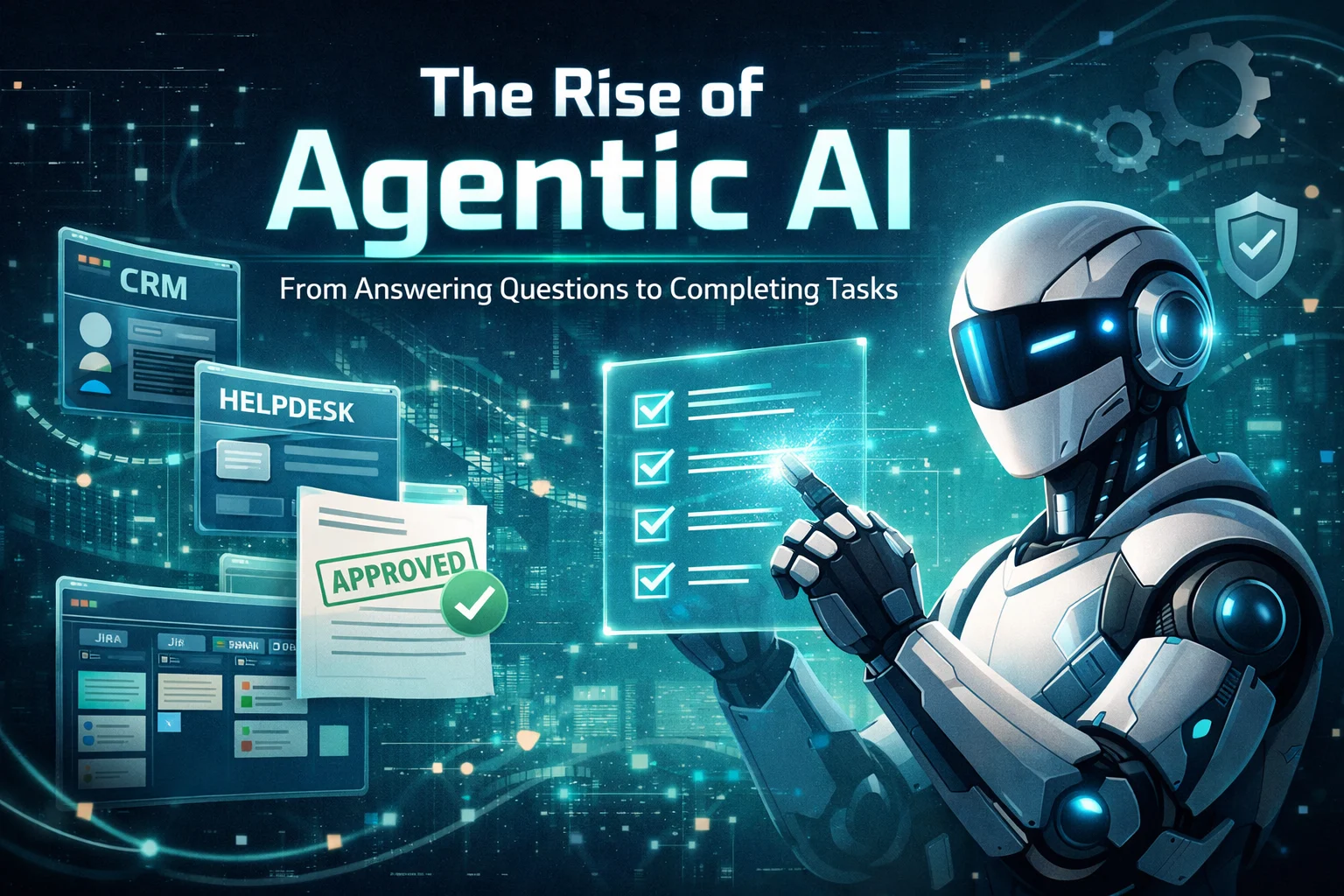
Over the last two years, many companies approached generative AI much like early cloud adoption in the 2010s: small pilots, scattered use cases, significant experimentation, and mixed ROI. In 2026, more teams are moving beyond experimentation toward measurable outcomes. The narrative is shifting from “AI can answer questions” to “AI can complete work.”
That shift has a name: agentic AI.
A helpful assistant tells you what to do. An agent can do it—inside your tools—then show you the result for approval or auditing.
A simple way to think about agentic AI
Agentic AI systems don’t just generate responses. They can interpret a goal, break it into steps, use approved tools (like your CRM, helpdesk, Jira, internal dashboards), take actions, verify results, and escalate when something looks risky.
This is why 2026 is increasingly viewed as a proof year for practical deployment. Many leaders are pushing for less experimentation and more measurable impact—especially as semi-autonomous agents move from demos into real operations.
At DevFlares, we work with engineering teams and product owners who want to adopt AI without compromising reliability, security, or brand trust. This article explains what agentic AI is, where it delivers real value, which tools and ecosystem players matter, the risks to take seriously, and how to roll out agents in a controlled way.
What “Agentic AI” Really Means (and What It Doesn’t)
Before building anything, teams need clarity—because “agents” is now used for many different things.
Agentic AI is not:
- A chatbot with a few saved prompts
- A copilot that still needs a human to click every button
- RPA with a language model added on top
- A “workflow” where the AI gives suggestions but cannot actually execute steps
There has been public discussion about “agent-washing”—rebranding assistants, chatbots, or basic automation as agents, even when they don’t operate with real autonomy or measurable benefits.
Agentic AI is:
- A system that can pursue an objective (not just answer a question)
- Able to take actions in approved tools (meaning: it can “do the work,” not just describe it)
- Able to verify outcomes (meaning: it checks whether the action worked)
- Designed with guardrails (meaning: rules + approvals that prevent unsafe actions)
In other words: moving beyond prompts to actionable autonomy.
Why Agents Are Taking Off in 2026
Three forces are converging in 2026:
- Platforms are making agents easier to build: Tool-use, orchestration, and tracing are becoming standard building blocks, so teams don’t have to invent everything from scratch.
- Enterprises want agents inside everyday software: Instead of a separate “AI app,” businesses want agents embedded directly into helpdesks, CRMs, ticketing systems, analytics, and internal tools.
- The ROI bar is rising: Assistants help individuals work faster. Agents can reduce entire cycles (triage → execute → verify → close), which creates step-change operational impact—if done safely.
How It Works (Without the Engineering Diagram)
If you’re evaluating agents for your business, the core idea is simple: you give an agent a goal, it follows a controlled process to reach that goal, and it escalates when it’s not confident or when the action is sensitive.
- Set the goal and rules: Example goal: “Resolve all P2 support tickets raised today.” Rules: “No refunds without approval,” “Only use approved templates,” “Never access HR data.”
- Break the goal into steps: The agent plans a short sequence (classify → gather context → propose action → execute → verify).
- Use approved tools: It calls only the tools you allow (helpdesk, CRM, Jira/Linear, internal services).
- Verify the result: It checks whether the action actually worked (not just whether it produced a polished response).
- Escalate when needed: If the next step is risky or unclear, it asks for approval or hands off to a person with a clean summary.
Under the hood (for engineering teams)
In technical terms, most agent systems combine a planner (task decomposition), a tool layer (the action surface), state/memory (keeping context across steps), guardrails (policy checks + approvals), and tracing (a replayable log of what the agent did and why). You don’t need to expose these terms to end users, but you do need them to ship safely.
What Agents Can Automate Today (Real-World Use Cases)
The best agent use cases share a pattern: clear inputs, measurable outputs, and a constrained action surface. Here are the categories we see working best.
A) Support Operations: “resolve, don’t just respond”
- Categorize and prioritize tickets
- Pull customer/account context automatically
- Detect known issue patterns and propose proven fixes
- Execute low-risk actions (resets, resends, plan toggles) with rules
- Escalate edge cases with a complete summary and evidence trail
What changes: support becomes a pipeline. Humans focus on exceptions and policy decisions instead of repetitive triage.
B) DevOps & Incident Response: faster triage, safer execution
- Gather logs, metrics, and recent deploy information
- Summarize likely root causes and rank hypotheses
- Open/annotate incident tickets automatically
- Recommend mitigation or rollback steps from runbooks
- Execute runbook actions behind approval gates
C) Finance Ops: reconciliation and exception routing
- Match invoices to POs and contracts
- Flag anomalies (duplicates, out-of-policy items)
- Prepare approval-ready summaries with supporting evidence
- Route exceptions to the right owner with recommended actions
D) Sales & RevOps: lead enrichment → routing → follow-ups
Agents can enrich leads, validate intent, route to the right rep, and draft follow-ups. This can be high-ROI, but it also touches customer communications and systems of record—so approvals and tone controls are critical.
E) Internal IT: onboarding and access provisioning
- Trigger account creation across tools
- Assign role-based access using least privilege
- Provision standard tool stacks by role
- Track completion and follow up on missing steps
This category often produces fast ROI because workflows are repetitive, well-documented, and measurable.
The Risks (Plain English) and the Guardrails That Make Agents Safe
If an agent can act, it can also make mistakes—sometimes at scale. The goal isn’t to avoid agents; it’s to design them with the same discipline you apply to payments, security, and production deployments.
- Instruction hijacking (prompt injection): Untrusted content (tickets, emails, web pages) can try to manipulate the agent. Guardrail: treat external content as untrusted, isolate instructions, and avoid free-form tool execution.
- Unsafe actions: The agent might attempt something it shouldn’t (refunds, deletions, access changes). Guardrail: allow-list tools, validate inputs, and require approvals for privileged steps.
- Runaway loops and cost spikes: Agents can retry or loop. Guardrail: hard budgets (time, tokens, tool calls), timeouts, circuit breakers, and fallback modes.
- No audit trail: If you can’t explain what happened, you can’t trust production autonomy. Guardrail: tracing and logs—who approved what, what data was accessed, what actions were taken.
A Practical 90-Day Rollout Plan (Business-First, Safe-by-Design)
The fastest path is usually not “build one giant general agent.” It’s to deploy a small number of task-specific agents tied to well-defined workflows—then evolve from there.
- Days 1–15: Choose one workflow with clear ROI and low-to-medium risk actions (support triage, IT onboarding, invoice matching). Define success metrics upfront.
- Days 16–45: Start with “agent-assisted” mode: the agent drafts, recommends, and prepares actions, but humans approve execution.
- Days 46–90: Move to partial autonomy: allow-listed tools, validations, confidence gates, approvals for sensitive steps, and full audit logs.
By day 90, you should be able to quantify: cycle-time reduction, throughput change, quality/error rate changes, and cost per completed task. That’s how agents move from hype to strategy.
Where DevFlares Fits In
DevFlares is an engineering-led partner. We help teams design and ship agentic systems that are secure-by-design (least privilege, validation, auditability), observable (tracing and debuggability), ROI-driven (workflow-first with measurable outcomes), and integrated cleanly (agents as a controlled layer—not a collection of ad-hoc prompts).
If you’re considering agents for customer support, DevOps, internal operations, or product workflows, we can help you pick the right first workflow, define guardrails, and implement production-grade evaluation so your agent delivers business value safely.